How to install the accessibility widget in Drupal


The following instructions will guide you through the process of installing the module and configuring it within the administration panel.
Step 1: Module Installation
In the Drupal environment, the recommended method for installing extensions is using the Composer package manager.
Step 2: Site Registration and Token Generation
To enable the widget to connect to the service, it is necessary to generate a unique API key (token).
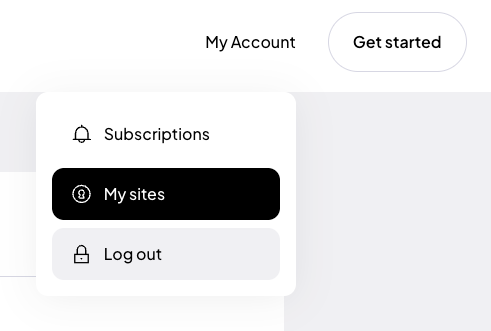
If you are installing the plugin for the first time, register (opens in a new tab) using Google, Facebook or use your own email address and password.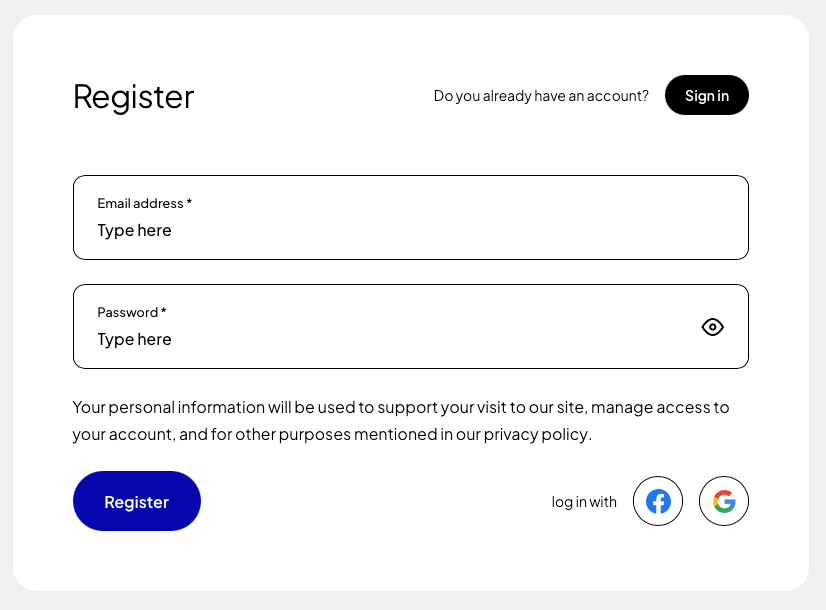 After creating an account, go to the “My Sites” tab, and then click the button “Add new” (opens in a new tab).
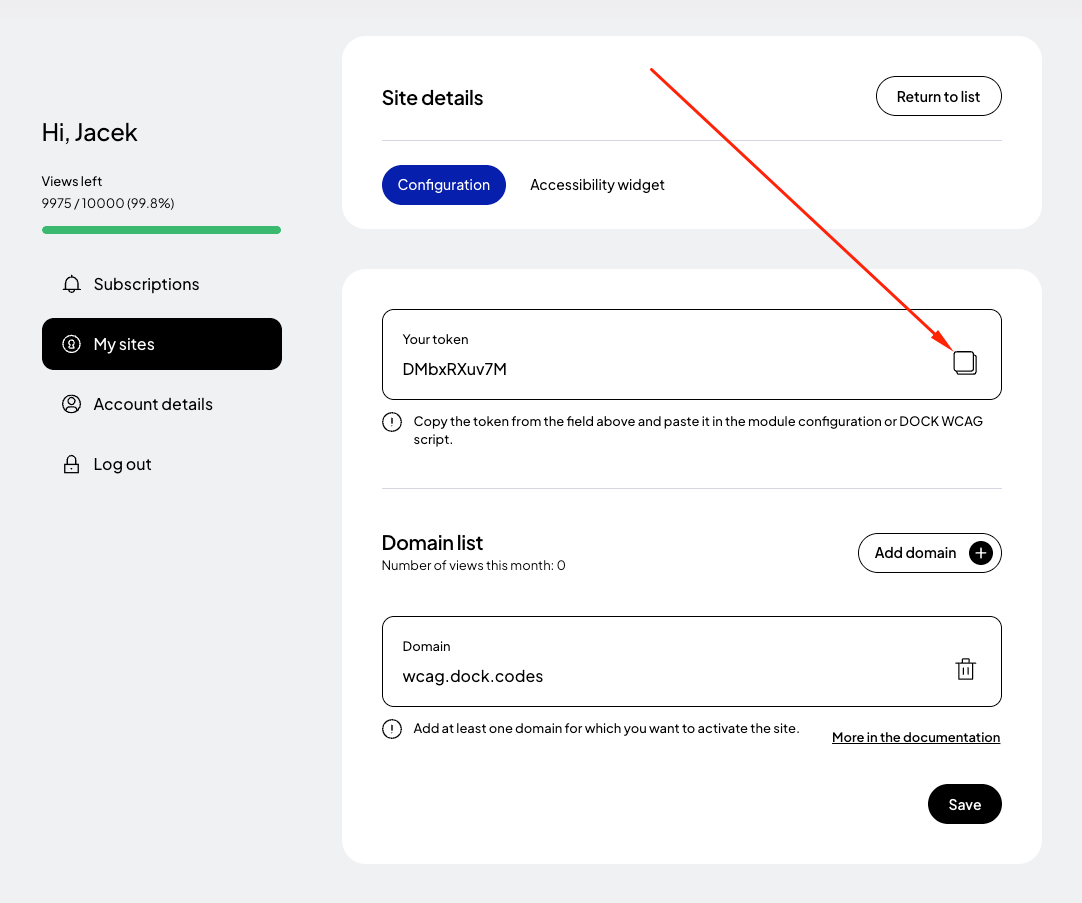
 In the form for adding a new page, enter the addresses of the websites where you want to apply the token. If your site runs on a domain such as example .com and e.g. www. example.com then it is necessary to add both addresses. Read more about this in the documentation (opens in a new tab).
Finally, click the "Save" button and copy the generated token.
In the form for adding a new page, enter the addresses of the websites where you want to apply the token. If your site runs on a domain such as example .com and e.g. www. example.com then it is necessary to add both addresses. Read more about this in the documentation (opens in a new tab).
Finally, click the "Save" button and copy the generated token.
Step 3: Configuration and Widget Activation
Once you have your generated token, you must enter it into the module settings in Drupal.
Step 4: Cache Clearing and Verification
After saving the settings, it is recommended to clear the Drupal cache to ensure changes are immediately visible to end-users.
Step 5: Site Preview
After completing the installation and clearing the cache, go to your site’s homepage. Test the widget to ensure it loads correctly and that all accessibility features function according to WCAG requirements.
Alternative: Manual Installation (Without Module)
If for some reason you cannot use the dedicated module, you can integrate the widget manually by editing the theme files.
Note: This method requires editing .html.twig template files. We recommend creating a backup before making changes.
Related posts
- How to install the accessibility widget in Joomla
- Accessibility widget script
- How to install the accessibility widget in MODX
- How to install the accessibility widget in Prestashop
- How to install the accessibility widget in WordPress
Still looking for answers?
Ask our experts using online chat