How to improve website accessibility?
Website accessibility is a fundamental part of building an inclusive and effective online environment. Making sure your website is accessible to people with disabilities (visual, hearing, mobility, cognitive) is not only ethical and socially responsible, but also often required by law. An accessible website is also a better website for all users – improving readability, navigation and overall usability. In this article, we will discuss the key aspects of web accessibility, in line with the Web Content Accessibility Guidelines (WCAG) 2.1.
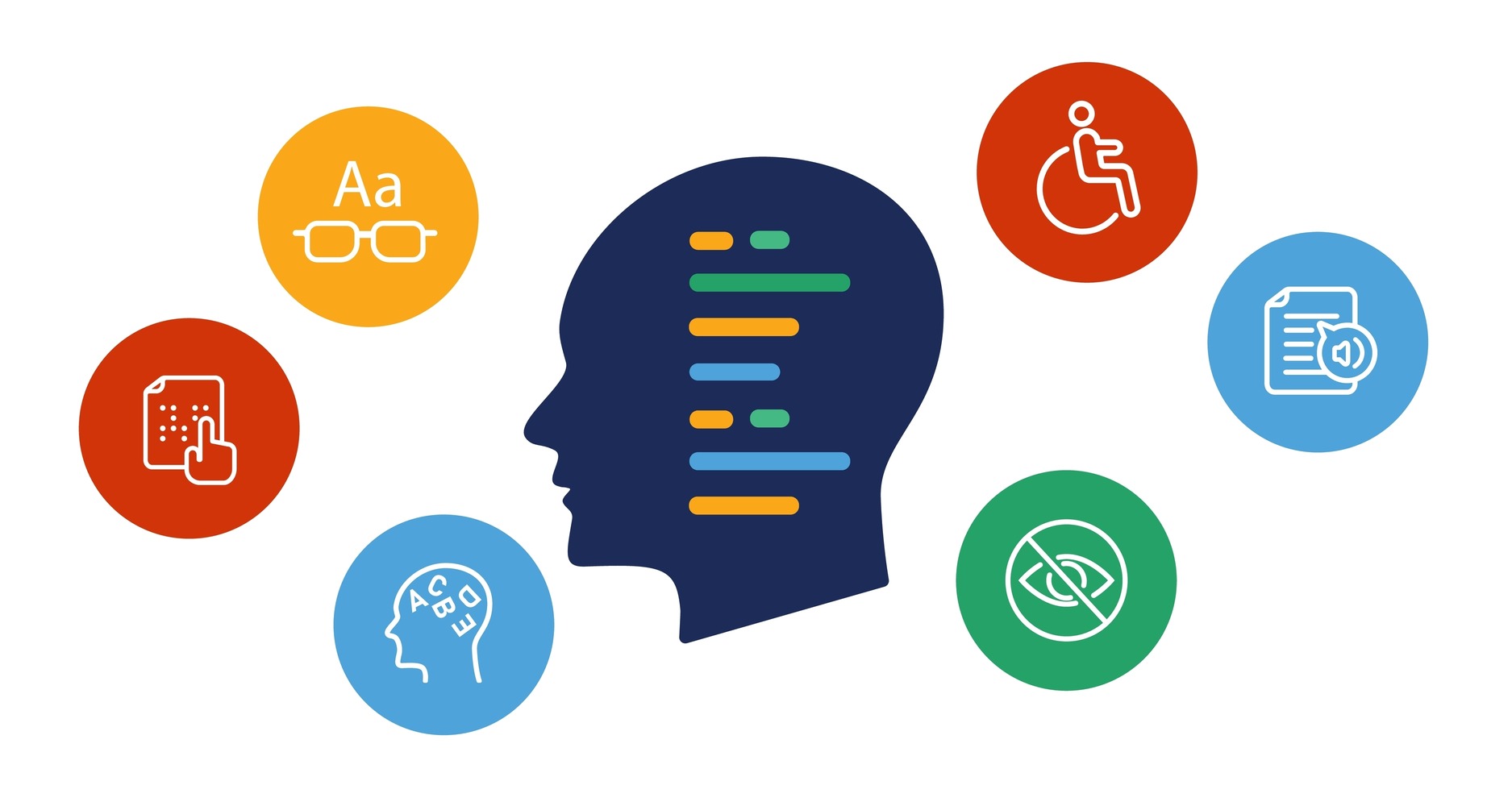
Key elements of WCAG 2.1 A and AA that you can include:
Below are the most important and commonly overlooked aspects of accessibility, many of which you can improve on your own. Remember that full WCAG compliance requires a comprehensive analysis and implementation of changes to your site’s code, content and design.
1. Alternative Text (Alt Text) for Images:
2 Color Contrast:
3 Structure of Headings:
4 Availability of Forms:
5 Keyboard Navigation:
6 Distinguishable:
7 Language of Page:
8 Seizures:
Implementing all of the WCAG recommendations can be time-consuming and require specialized knowledge. To meet the needs of website owners, we created an accessibility widget that automates many key aspects of accessibility, saving you time and resources.
Our widget offers the following features to help you meet WCAG requirements:
Important: Our widget is not a replacement for a comprehensive approach to accessibility. Changes to content, code and site structure are still necessary to achieve full WCAG compliance. Our widget is a tool that supports this process and makes it easier for users to customize their site.
Accessibility is an ongoing process. We encourage you to read the full WCAG 2.1 guidelines and regularly test the accessibility of your site.
What you can do next:
Remember, accessibility is an investment that pays off. Improving the accessibility of your website will not only help people with disabilities, but will also improve the overall user experience and increase your company’s reach.
Related posts
- Manual WCAG Accessibility Audit – What It Is and How It Works in Practice
- Understanding the Americans with Disabilities Act (ADA)
- Automated vs. Manual Accessibility Audits: Which One to Choose for Your Website?
- Color contrast checker
- What is changing as of June 28, 2025?
Still looking for answers?
Ask our experts using online chat