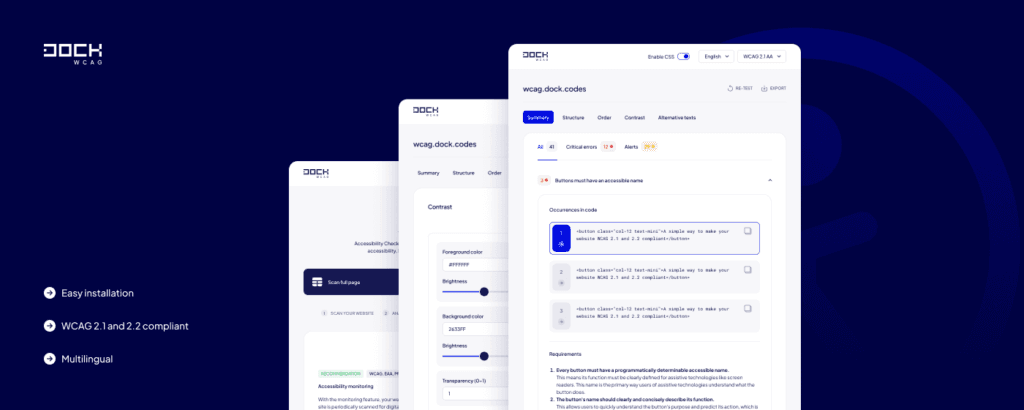
Dock Accessibility Checker – a browser-based accessibility audit tool
 (opens in a new tab)
Key Features
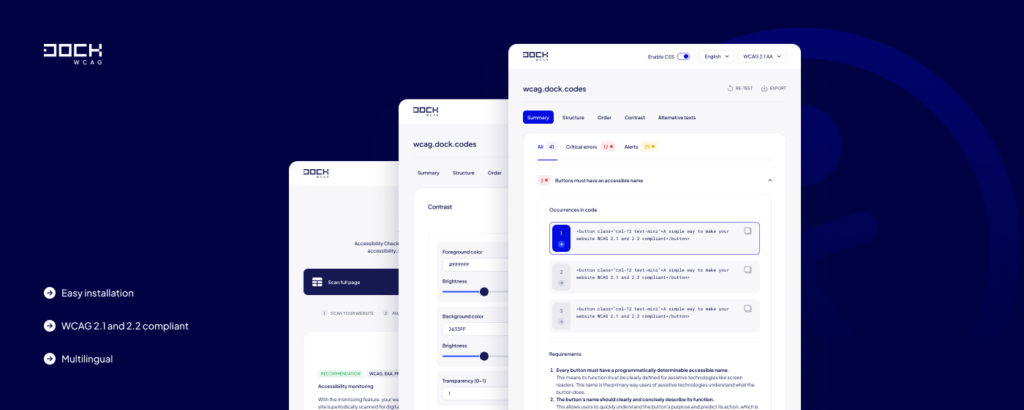
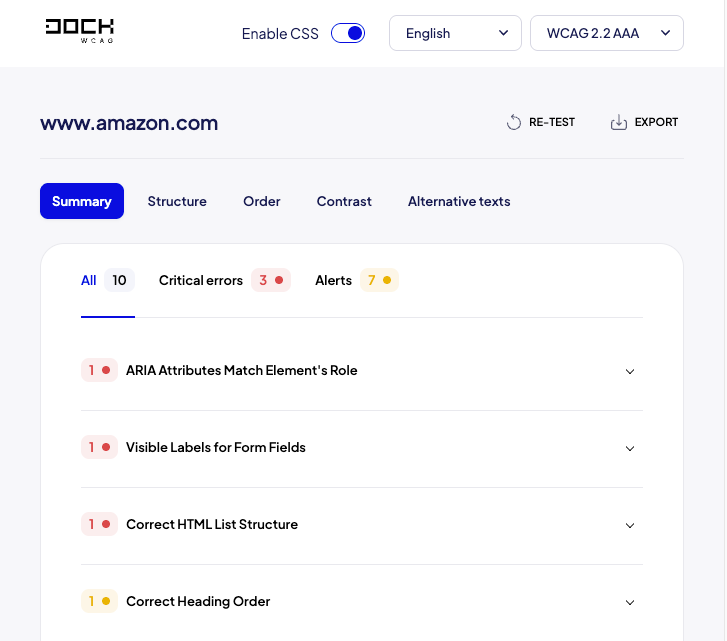
Automated WCAG Accessibility Audits
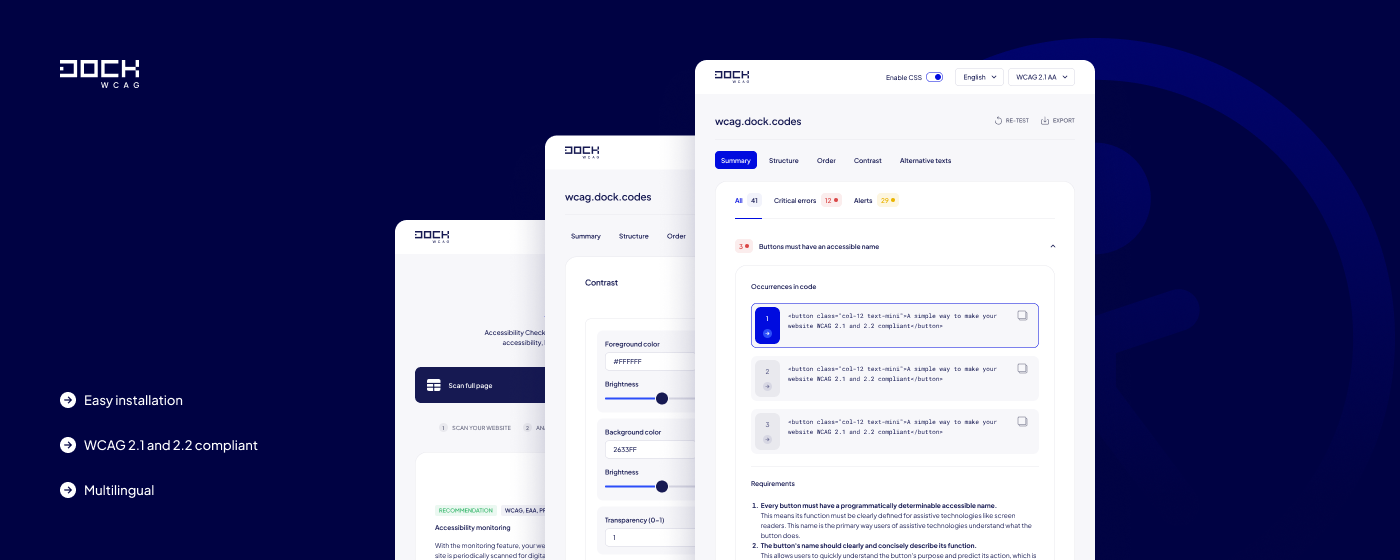
Scan an entire website or selected sections with a single click. Dock Accessibility Checker analyzes page code and highlights potential accessibility issues affecting users who rely on assistive technologies.
Export Audit Reports to DOCX
After completing an audit, you can generate a DOCX report containing detected issues, affected elements, and recommendations for remediation. This feature is particularly useful for development teams, agencies, public organizations, and companies conducting formal accessibility audits.
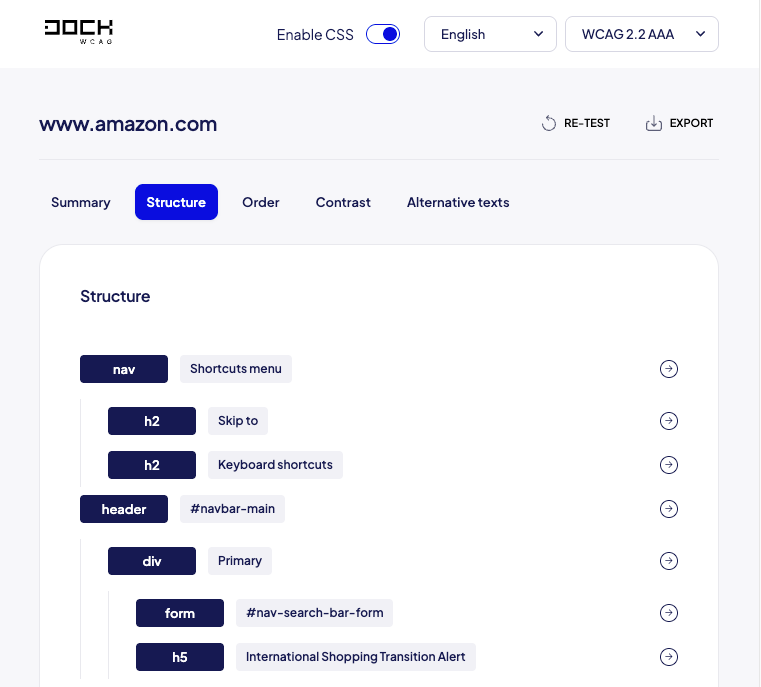
Website Structure Analysis
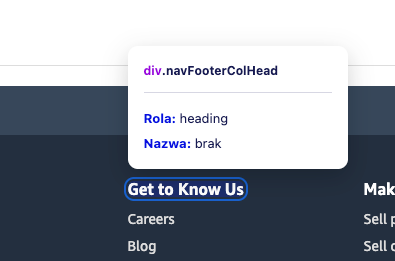
Review your document structure and quickly evaluate how content is organized. Analyze heading hierarchy, page regions, landmarks, and DOM structure from a single interface.
Focus Order Visualization
See exactly how keyboard users navigate through your website.
Dock Accessibility Checker visualizes focus order using directional arrows, making it easy to identify incorrect tab sequences, skipped controls, and navigation issues.
Image and Alternative Text Analysis
Review all images on a page and verify the quality and completeness of alternative text descriptions.
Color Contrast Testing
Evaluate text readability and verify compliance with WCAG contrast requirements. The extension allows you to test contrast levels and preview changes without modifying your source code.
Highlight Elements Directly on the Page
Every detected issue can be instantly located within the page. Selected elements are highlighted visually, making remediation faster and more efficient.
Audit Individual Sections or Entire Pages
Not every accessibility review requires scanning an entire website. Dock Accessibility Checker allows you to audit individual components, selected sections, complete pages, or entire web applications.
Multilingual Interface
The extension is available in more than 20 languages. Error descriptions, recommendations, and interface elements can be displayed in the language most suitable for your team.
Who Is Dock Accessibility Checker For?
Why Choose Dock Accessibility Checker?
Download the Extension
Install Dock Accessibility Checker and start auditing website accessibility directly from your browser:
 (opens in a new tab)Download for Google Chrome (opens in a new tab)
 (opens in a new tab)Download for Brave (opens in a new tab)
 (opens in a new tab)Download for Microsoft Edge (opens in a new tab)
 (opens in a new tab)Download for Firefox (opens in a new tab)
Related posts
- Understanding the Americans with Disabilities Act (ADA)
- Automated vs. Manual Accessibility Audits: Which One to Choose for Your Website?
- Color contrast checker
- How to improve website accessibility?
- What is changing as of June 28, 2025?
Still looking for answers?
Ask our experts using online chat